Master Camtasia Complete Video Editing for Beginners to Pro
تم التحقق في: Wed, 21 Oct 2026 12:00:01 UTC.
تخضع العروض لعدد مقاعد ومهلة محددة من المدرب؛ قد يتغير السعر بعد التحقق.
ماذا ستتعلم في هذه الدورة؟
أهم المهارات والمخرجات التعليمية المعتمدة من مدرّس الدورة
تفاصيل ومحتوى الدورة التدريبية
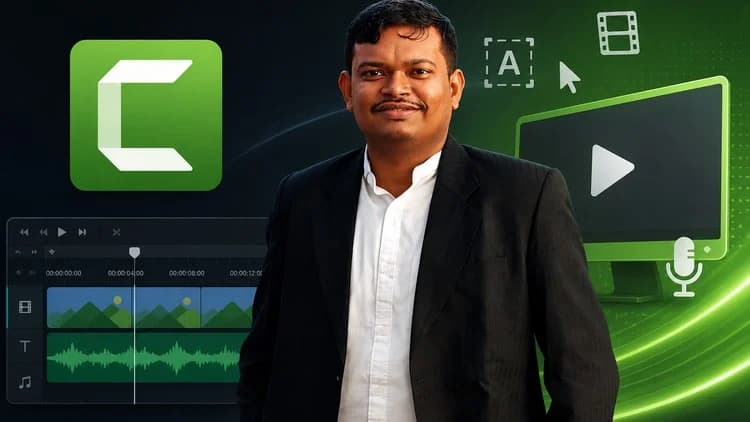
Master Camtasia: Complete Video Editing for Beginners to Pro is a comprehensive course designed to take you from a complete beginner to a confident video editor using Camtasia. Whether you want to create engaging tutorials, professional training videos, or polished YouTube content, this course covers everything you need.
In this course, you will learn:
How to set up Camtasia and understand its interface for efficient editing
The step-by-step process to record your screen, webcam, and audio simultaneously
Essential video editing skills including trimming, splitting, adding transitions, and annotations
How to enhance your videos with zoom, pan effects, cursor highlights, and callouts
Techniques to improve audio quality by removing noise and adding voiceovers or background music
The use of templates and libraries to speed up your workflow
Best practices for exporting videos in high-quality formats suitable for platforms like YouTube, Udemy, or business presentations
This course is suitable for anyone interested in video editing regardless of prior experience. By the end, you will be able to create professional-looking videos that captivate your audience and communicate your message clearly.
You will also receive practical tips and tricks lessons on optimizing your editing process, avoiding common mistakes.
Start your journey to mastering video editing with Camtasia today!