Microsoft Office and Google Workspace Masterclass
Verified at: Wed, 21 Oct 2026 08:30:01 UTC.
Promotional offers are limited by seat allocations and instructor timeframes; pricing may change after verification.
What You Will Learn
Core skills and learning outcomes verified from the instructor's syllabus
Course Curriculum & Description
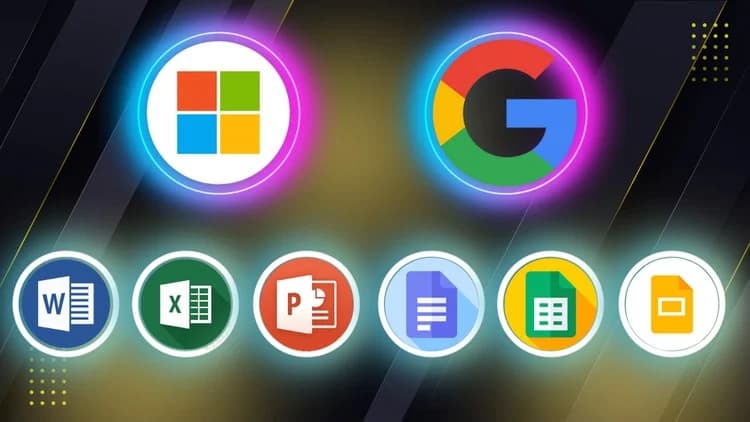
Microsoft Word, Excel, PowerPoint and Google Docs, Sheets, Slides — master the essential digital tools used in modern workplaces, schools, and remote environments with this all-in-one course designed for beginners, professionals, students, and job seekers.
In today’s competitive world, being proficient in both Microsoft Office and Google Workspace is more than a helpful skill — it’s a necessity. This course gives you practical, hands-on training in creating professional documents, organized spreadsheets, and engaging presentations using both platforms.
Whether you're starting from scratch or looking to improve your existing skills, this course will help you become confident and efficient in handling everyday office tasks.
What You’ll Learn
How to create, format, and edit documents in Microsoft Word and Google Docs
How to use spreadsheets, formulas, and charts in Microsoft Excel and Google Sheets
How to design professional presentations in Microsoft PowerPoint and Google Slides
Key similarities and differences between Microsoft Office and Google Workspace
How to collaborate in real-time using Google’s cloud-based tools
Tips for boosting productivity, organizing your work, and sharing files securely
Who This Course Is For
Anyone who wants to work smarter and more efficiently using today’s top office tools
Tools Covered
Microsoft Word, Excel, PowerPoint
Google Docs, Sheets, Slides
No Prior Experience Needed. This course is beginner-friendly and guides you through each tool with clear explanations, real-world examples, and downloadable practice files. You’ll gain practical skills that you can apply immediately in school, the workplace, or your personal projects.
By the end of the course, you’ll be confident using both Microsoft Office and Google Workspace — and ready to handle any office task with ease.
Suggested Alternatives in This Field

![ChatGPT Course: Productivity, Work & Creativity [EN]](/_next/image?url=https%3A%2F%2Fimg-c.udemycdn.com%2Fcourse%2F750x422%2F7267113_47d5_3.jpg&w=3840&q=75)